Introduction
One of the most powerful CRM features inside Automatescale is the ‘Communities’ feature. It’s a useful tool especially for those who sell courses or want to create groups and build an audience. Inside communities people can investigate, learn, share thoughts and knowledge as well as collaborate on different projects.
In this article we’ll discuss the updated opportunities of the ‘Communities’ feature that you can use to communicate with your audience and create better opportunities for your business growth.
Getting Started with ‘Communities’ Features
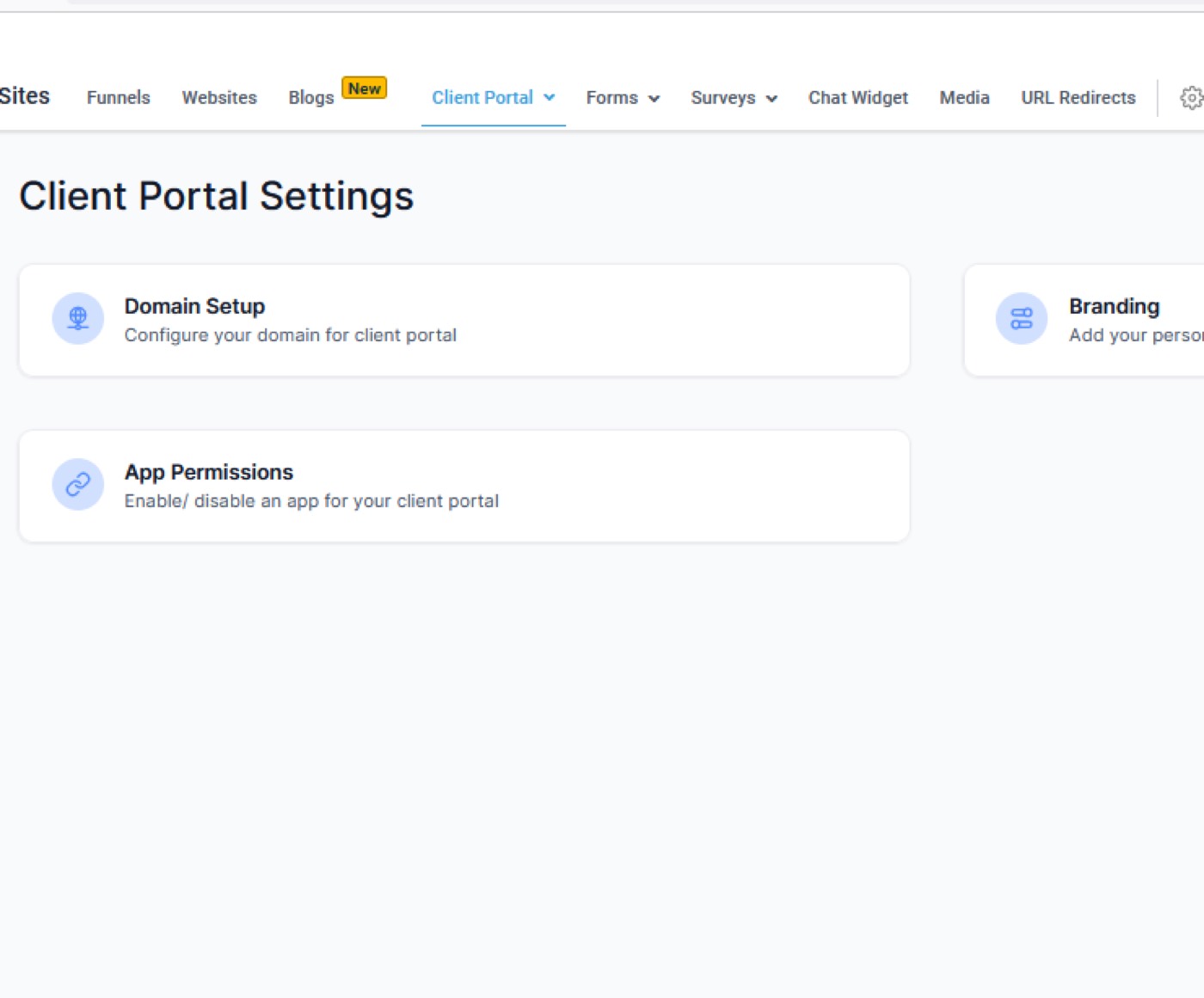
Client Portal - Setup and Branding: without client portal setup you won’t have communities. It’s the new interface that allows you to access your communities, online courses and your affiliate manager. To set it up you need to
Go to ‘Sites’. Go to ‘Client portal’. Click on 'Setting', ‘Domain Setup’ and add the domain link you want to use. It can be a portal, app, etc. Then create a name and record.
Next go to ‘Branding’. Put a portal name, portal description, select colors, favicon, cover image, and logo.
How to Create and Customize a Community in Automatescale
Switch to your sub-account in Automatescale.
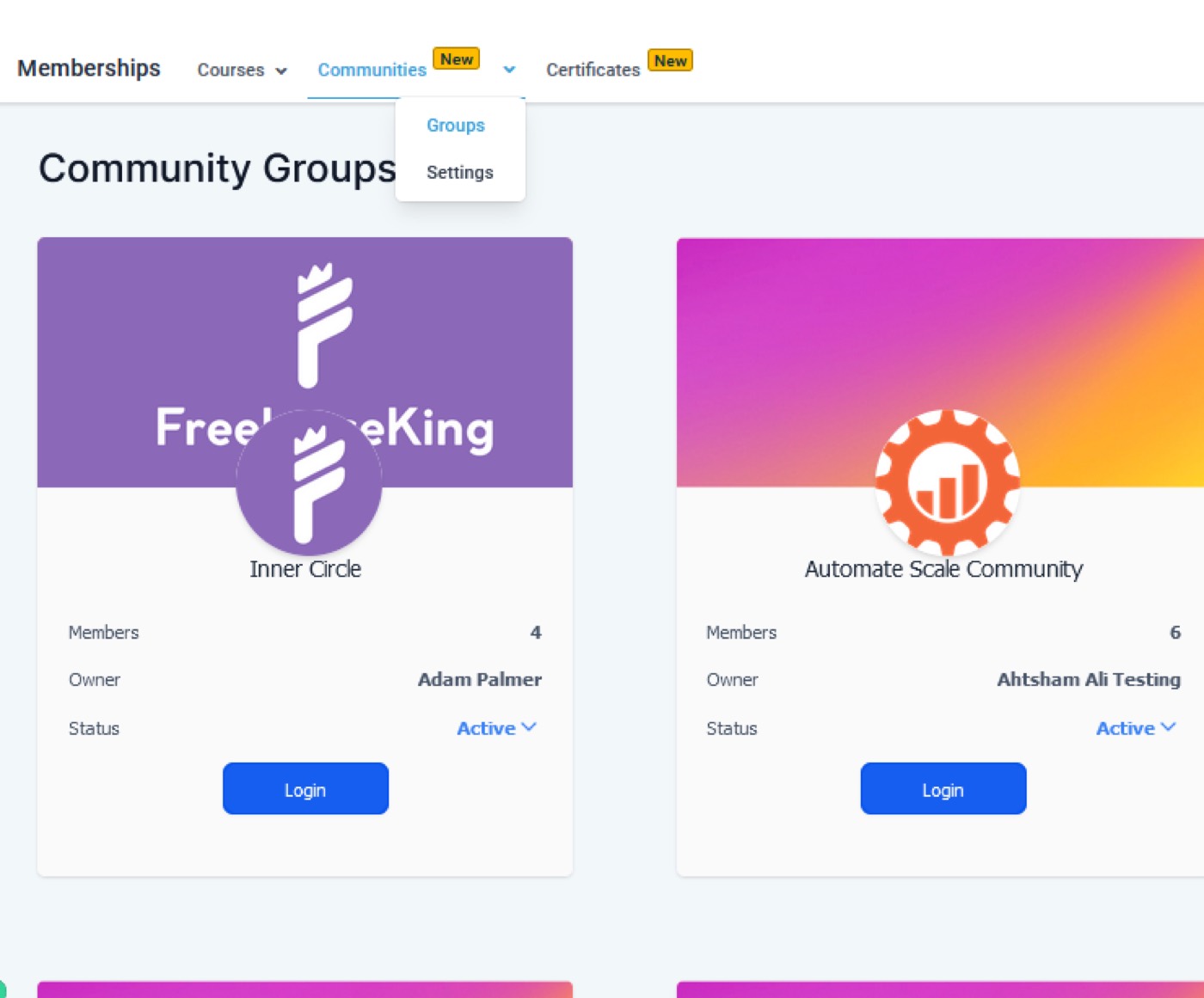
Go to ‘Memberships’. Click on ‘Communities’.
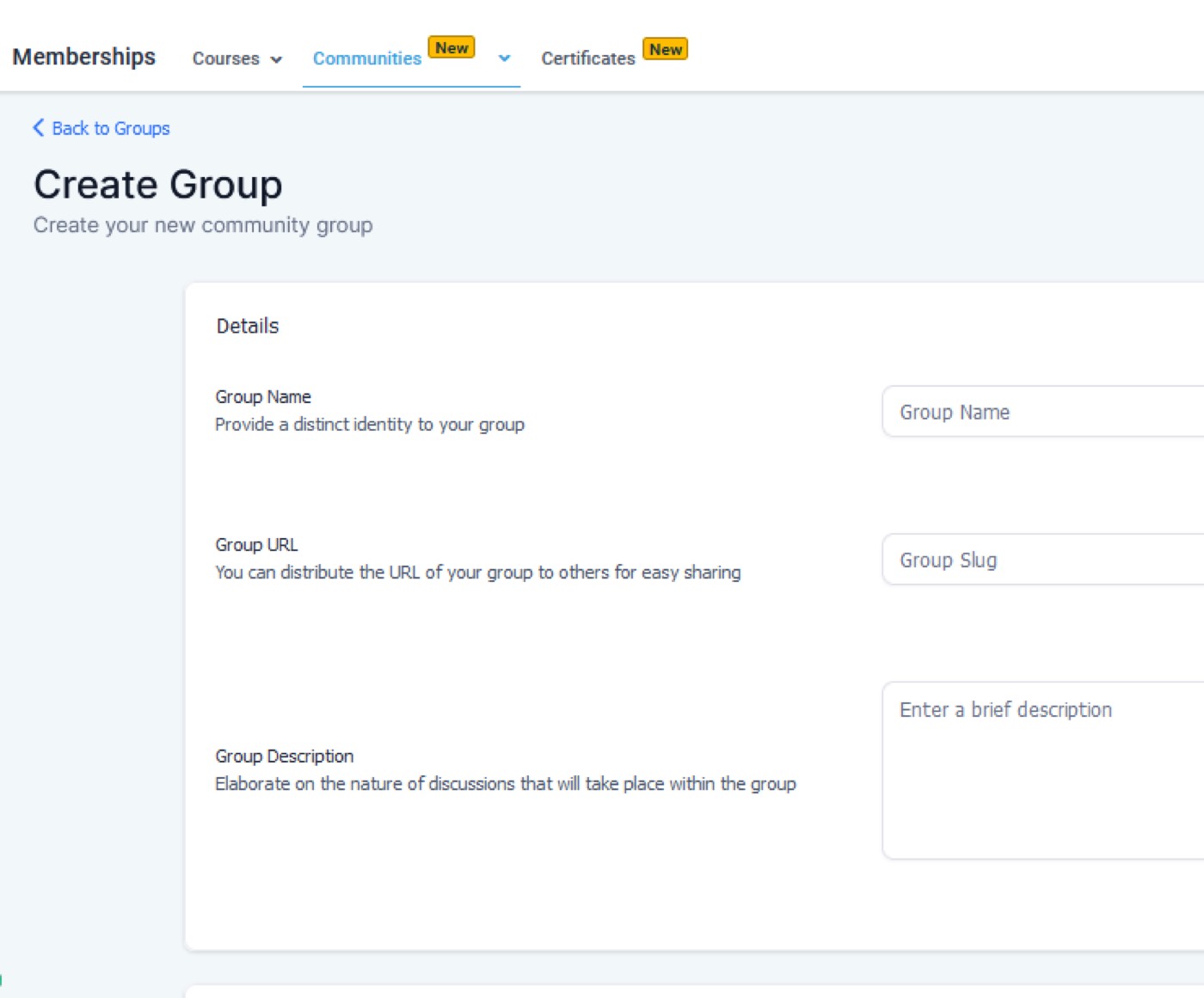
Here you can create groups, name them, change colors, add a cover image, logo, a brief description, sign in feature. You can also add people and your courses.
You can share the link of that group outside of Automatescale. Once someone outside Automatescale has your link, they can log in and join the group.
You can customize your communities by adding a group name, description, URL. The platform allows you to play with ‘Branding’ features which includes colors, logos, cover images. You can also add promotional links, convert the visibility of phone numbers and email addresses under the Social Media category.
Community Group Management
Note that whoever creates the group is the group owner. Once the owner is established it cannot be changed.
The owner has administrative responsibilities and privileges. However, besides the owner, there are also other roles for group management: admins, moderators, and members. There are also security measures that protect email visibility.
Learning and Networking
Users who are already signed up in the community have the opportunity to learn courses, take part in discussions, and participate in events. They can connect with community members. As an Automatescale account owner you can set up various groups for different courses or subjects. Community members can exchange thoughts on your courses and discussion as well as share resources.
Brand New ‘Communities’ Features
Here are some of the other useful features you can find inside Communities settings.
Portal Notifications: allows users to easily access and manage all their notifications within the portal.
Public vs Private Groups: You can turn your public group into a private anytime you want. Private groups are specialized communities created for controlled access and confidential discussions. They are open only to authorized members.
Free vs Paid Subscriptions: allows you to charge your group members. Paid subscriptions are typical to private groups. Users pay to access interactive features and premium/valuable content.
Group Channels: Community channels are open to group members. But you can create ‘locked channels’ available for certain members of the community.
★ Want this built for you? AutomateScale deploys the AI agent layer, funnels, and automations behind this — for agencies, SaaS founders, and coaches. Apply for a strategy call or subscribe to The Scale Brief.