Introduction
Wondering how you could create a blog post within your Automatescale account? Here we are to help you not only with blog posts but also some useful features Automatescale offers to make your blog posts more engaging. Let’s first find out the easiest way to create blogs within your account and then pass on to the new feature our platform offers.
How to Create a Blog Post
First of all, you need to have an account within Automatescale. If you don’t have one, make sure to register on the platform and create an account. It takes a few minutes. Now, check the guide below to learn the basic steps on how to create a blog post.
Go to ‘Sites’ on the left side of your Automatescale account page.
Click on ‘Blogs’ on the top of the page.
Click on ‘New Post’ on the right side of the page.
Then you’ll see a window with several fields to fill in.
Add a title, upload an image, add an alt text, post description between 100-250 characters, and then click on ‘Create post’.
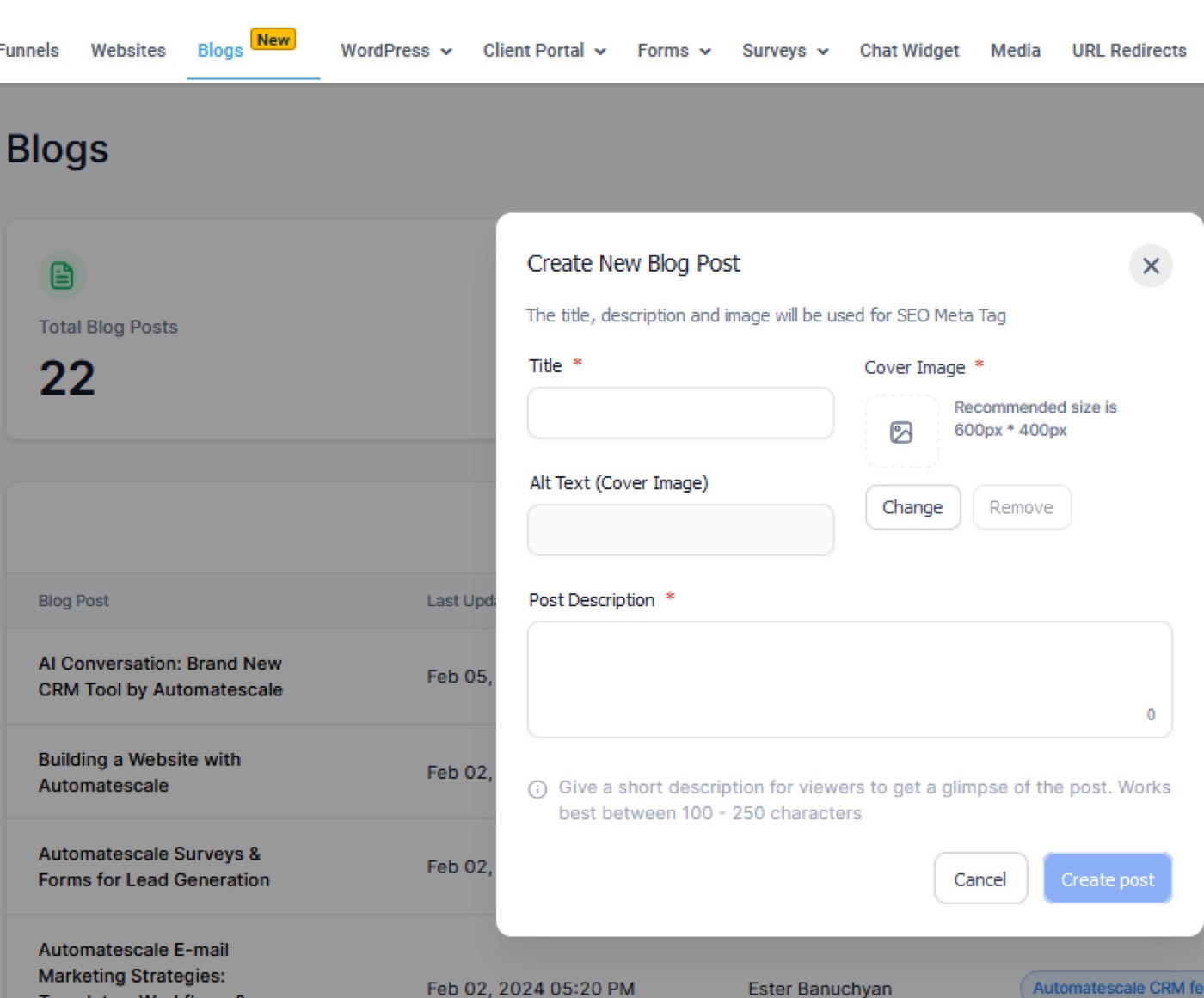
Now, you’ll see your blog which you can edit before publishing. You can add pictures, insert audios, videos, emojis, quotes and an intro.
Once you are done, click on ‘Save’ on the top right of the page.
Click on ‘Continue’ next to the 'Save’ button on the right top.
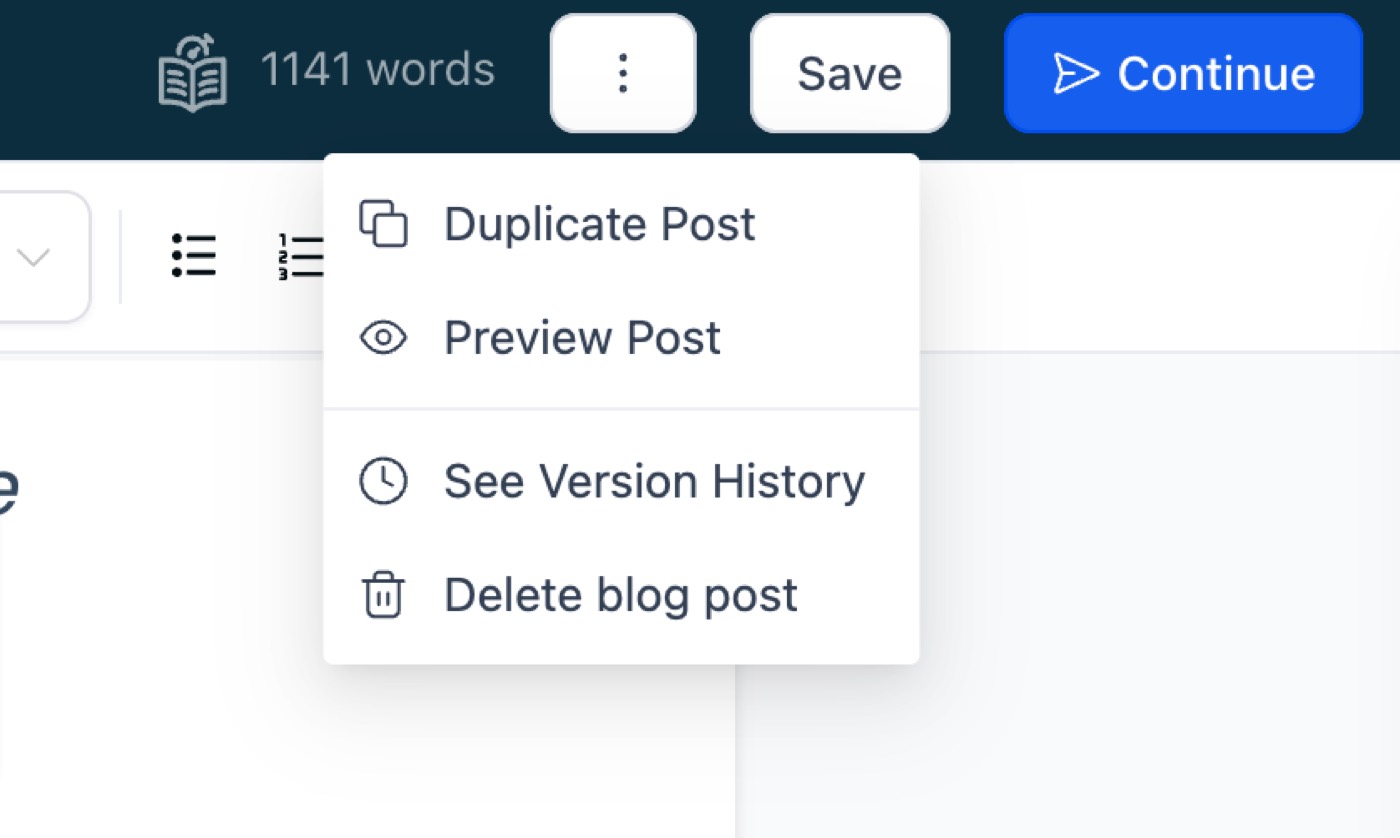
Next you need to choose a category, add keywords, author name.
Once you fill in the fields, you can choose the ‘Blog Status’. It suggests publishing your blog post immediately or save it as a draft or schedule it and then publish. Choose one of the suggestions according to your preference and click on ‘Save’. Your blog post is created.
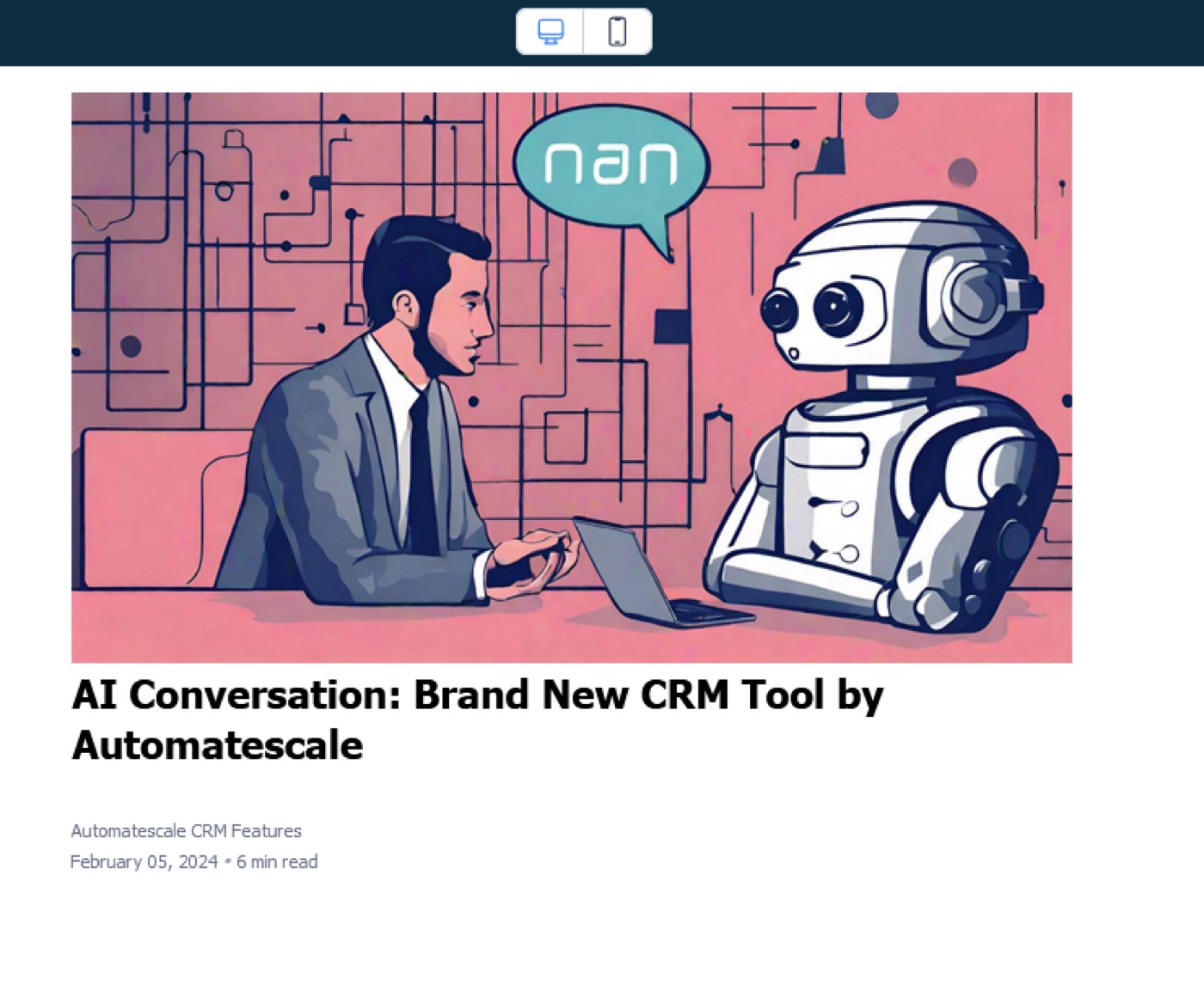
How to Integrate a Blogs into Your Automatescale Funnels
Now as you have your blog post created within your Automatescale account you can go on with funnels where you can show your blog post. This is a powerful feature to use when dealing with blog posts.
Go to ‘Funnels’. Click on ‘Edit’, ‘Edit page’.
Here you can add a new element with the (+) sign.
Check the elements for blogs such as ‘Blog post list’ or ‘Category navigation’.
Next, under ‘general settings’ you can make the necessary changes for your blog post.
Once you are done, click on ‘Save’ on the top right of the page.
Now you can preview your blog post within funnels. Click on ‘preview’ on the top right of the page.
FAQs
What should I include in a blog post?
There are several important parameters that play a great role in creating blog posts. First, you need to create a compelling title. Then it should start with a one- or two-line summary.
The opening paragraph should be engaging so that it makes the reader keep on reading. Keep your paragraphs short, use sub-headings, bulleted points, and numbered lists.
Create opt-in forms, suggest social sharing options, images, an author bio, SEO, a call to action tactics, categories and tags.
Do I need a Third-Party App to Create a Blog on Automatescale?
You can create and publish blog posts directly on Automatescale without using a third party app.
★ Want this built for you? AutomateScale deploys the AI agent layer, funnels, and automations behind this — for agencies, SaaS founders, and coaches. Apply for a strategy call or subscribe to The Scale Brief.